AI Engineering · Advanced
Create an App with AI
Turn a process that lives in spreadsheets into a working app your team logs into, built with an AI assistant.
Two ways to take it
Essential
90-120 min
The complete program in a focused session: the same hands-on training, assessment, and certificate of completion, compressed into 90-120 min.
$2,000 + tax / person
≈ $400 / person after ETG
Full
4-6 hours
The same content and certificate, with more guided practice time on your own tools and workflows.
$3,000 + tax / person
≈ $600 / person after ETG
Includes 7 days of follow-up assistance after your session.
Minimum 3 participants, or book solo. ETG reimburses up to 80% for eligible employers.
Who it’s for
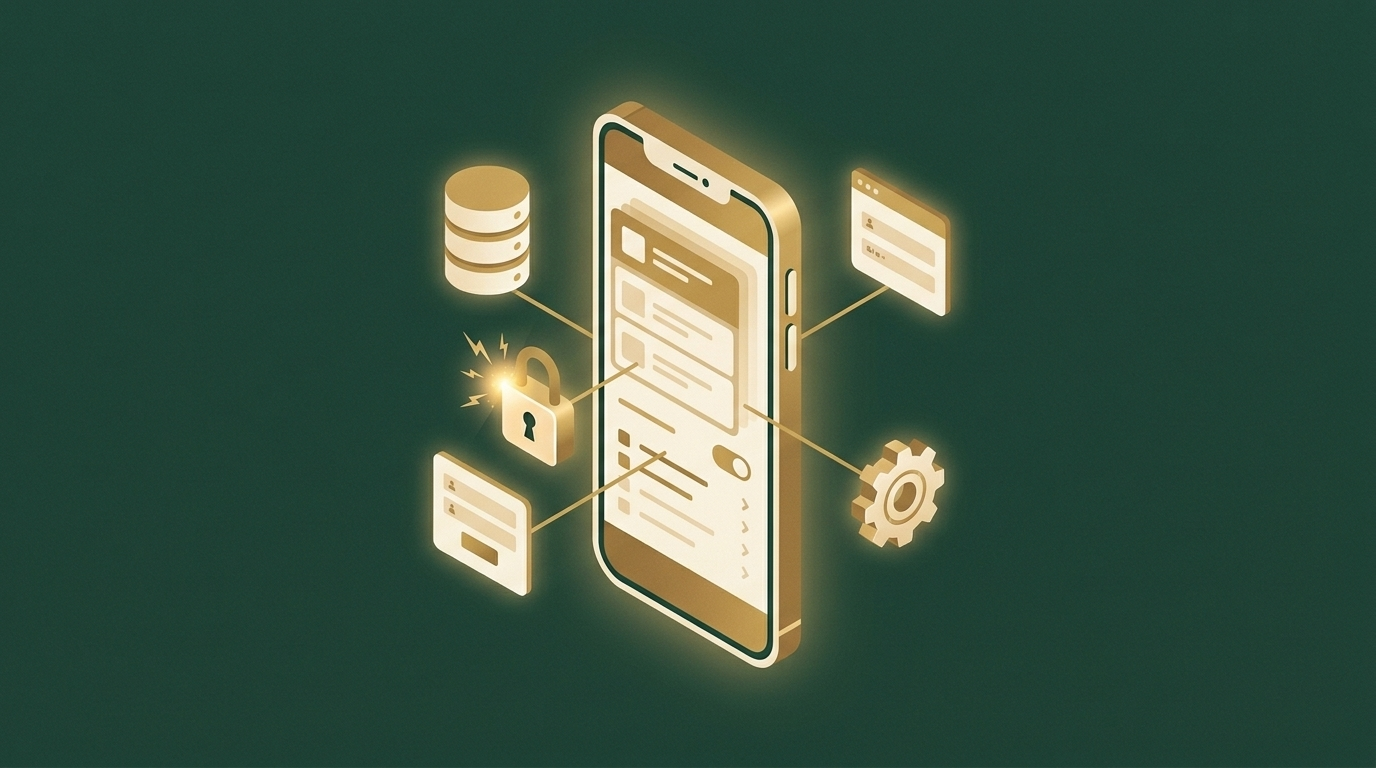
Owners, operators, and team leads who run part of the business on spreadsheets, paper forms, or a patchwork of tools, and want a custom app built around how they actually work: a client portal, a booking or intake tool, an internal tracker, or a team dashboard. You scope the app, then build its first working version with an AI assistant, covering the database, the screens, the logins and permissions, and the connections to your other systems, and put it live. Builds on the workstation set up in Build Your Own AI Assistant. Where AI Operations connects the systems you already have, this program builds a new one. A formal coding background is not required, but you should be comfortable working on a computer.
What you’ll be able to do
- Turn a business process into a written app spec: who uses it, what they do, and the smallest version worth building
- Design the data model and set up the database the app runs on
- Build the screens, forms, and lists with an AI assistant, working from the spec
- Add logins, user roles, and permissions so each person sees only what they should
- Connect the app to email, your CRM, or other tools, and add an AI feature where it saves real time
- Test the app, deploy it to a live address, and maintain it with version control and backups
Curriculum
- 01
Scoping the app
Map the process, the users, and the first version worth building, then write the spec.
- 02
Data model & database
Tables, relationships, and a hosted database set up for the app.
- 03
Building the interface
Screens, forms, and lists built from the spec with Claude Code, reviewed step by step.
- 04
Accounts & permissions
Logins, roles, and data rules that limit each user to what they should see.
- 05
Connections & AI features
Email notifications, CRM and API connections, and an AI feature inside the app.
- 06
Testing, deploying & maintaining
Testing, GitHub, going live, installing it on a phone, backups, and safe changes.
Assessment & certificate
A private on-site session with one seat per computer. Competency is confirmed through a hands-on assessment: each participant deploys a working web app to a live address, with a database, a login with at least two user roles and permissions enforced on the data, one complete create-and-update workflow, and one connection to another system, assessed against a published checklist. Certificate of completion provided. The Full program adds 7 days of follow-up assistance after the session.
Frequently asked questions
Who is Create an App with AI for? +
Owners, operators, and team leads who run part of the business on spreadsheets, paper forms, or a patchwork of tools, and want a custom app built around how they actually work: a client portal, a booking or intake tool, an internal tracker, or a team dashboard. You scope the app, then build its first working version with an AI assistant, covering the database, the screens, the logins and permissions, and the connections to your other systems, and put it live. Builds on the workstation set up in Build Your Own AI Assistant. Where AI Operations connects the systems you already have, this program builds a new one. A formal coding background is not required, but you should be comfortable working on a computer.
What will my team be able to do after Create an App with AI? +
By the end of the program, participants can turn a business process into a written app spec: who uses it, what they do, and the smallest version worth building; design the data model and set up the database the app runs on; build the screens, forms, and lists with an AI assistant, working from the spec; add logins, user roles, and permissions so each person sees only what they should; connect the app to email, your CRM, or other tools, and add an AI feature where it saves real time; test the app, deploy it to a live address, and maintain it with version control and backups.
How long is Create an App with AI, and how is it delivered? +
It runs in two formats, both in-person · on-site at your location (one seat per computer) and hands-on: an Essential session (90-120 min) and the Full program (4-6 hours). Sessions use your own tools and workflows and are scheduled around your team’s working hours.
How much does Create an App with AI cost? +
Two formats, minimum 3 participants, or book solo: Essential (90-120 min) is $2,000 + tax / person, and the Full program (4-6 hours) is $3,000 + tax / person. Eligible B.C. employers can recover up to 80% through the Employer Training Grant, bringing those to roughly $400 and $600 per person after funding. See our Funding page for eligibility and how to apply.
What’s the difference between the Essential and Full versions of Create an App with AI? +
Both cover the same content and include the hands-on assessment and certificate of completion. The Essential session (90-120 min) is a focused, compressed version; the Full program (4-6 hours) covers the same outcomes with more guided practice time on your own tools.
Is there a certificate or assessment for Create an App with AI? +
A private on-site session with one seat per computer. Competency is confirmed through a hands-on assessment: each participant deploys a working web app to a live address, with a database, a login with at least two user roles and permissions enforced on the data, one complete create-and-update workflow, and one connection to another system, assessed against a published checklist. Certificate of completion provided. The Full program adds 7 days of follow-up assistance after the session.
Related programs
-
Advanced
AI Operations
Build the infrastructure to run your business with AI, then put an AI assistant to work inside it.
-

Advanced
Build Your Own AI Assistant
Set up the same AI development stack we use to run our own business, and put your own AI assistant to work.
-

Advanced
Create a Website with AI
Direct AI like a creative director to plan, design, build, and publish a website that looks custom, not AI-generated.