Skip to content

Up to 80% back through the B.C. grant. See what you'd pay →

BA Brydge Academy

For Hair & Nail Salons

AI training for hair and nail salons


You already run on a booking app, Instagram, Google reviews and a card terminal. Each holds part of the picture, and clients drift away in the gaps between them: a DM nobody answered, a client who didn’t rebook, a quiet Tuesday nobody filled. In one hands-on session we train owners, managers and front-desk staff to connect those tools to Claude Code, then ask the salon the questions that bring clients back and fill the book, in person at your salon.

In-person · on-site ETG-eligible
A group of participants holding their Brydge Academy certificates of completion after an on-site session
A team with their certificates after an on-site Brydge Academy session.

What falls through the cracks between your tools

Booking requests in DMs answered late, or not at all

Clients who don’t rebook and quietly move to another salon

Quiet days nobody fills, because there is no time to chase the right clients

Instagram that takes hours, with no idea which posts bring bookings

How it works

Your salon’s tools, finally linked together

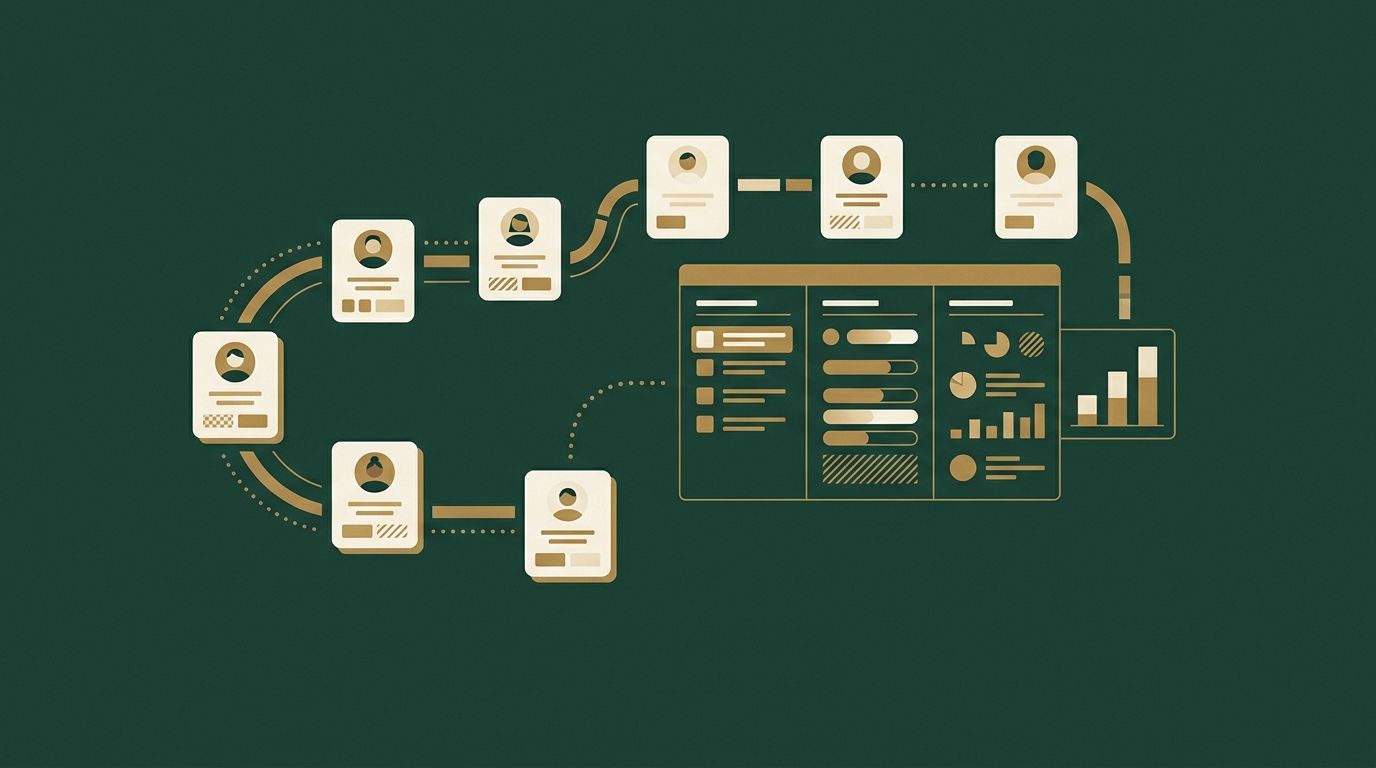
Your booking app, Instagram, Google profile and card terminal are each good at their own job, but none of them can see the others. Once they are connected to Claude Code, the assistant can follow a client from the first DM to the booking, the visit, the payment and the next appointment, which is what lets it answer the questions that keep the book full.

  • Booking app

    Your booking software, through its connection or its export

    Knows every appointment and every no-show, but not who was meant to come back and didn’t.

  • Instagram and Facebook

    Your business accounts

    Holds DMs, posts and comments, but can’t tell you which posts turned into bookings.

  • Google profile and reviews

    Google Business Profile

    Shows what clients say about you, but not which happy clients were never asked for a review.

  • Payments and sales

    Square, Stripe or QuickBooks

    Knows what each client spends and which products sell, but not how often they visit.

  • Email and texts

    Gmail or Outlook, your texting tool

    Where confirmations and reminders go out, ready for Claude to draft the personal ones.

  • Files

    Google Drive or OneDrive

    Your price list, policies and new-hire guide, so every message uses the right prices and rules.

How salons use AI to bring clients back and fill the book

Once everything is linked, you ask the questions you never had time to dig into. Claude looks across your tools, answers from your own bookings, messages and sales, and drafts the next step for you to approve. A few examples:

  1. Losing clients

    “Who used to come every six weeks and has stopped?”

    Finds regulars who have gone quiet, with their usual service and stylist, and drafts a personal message to bring each one back.

  2. Quiet days

    “How do we fill next Tuesday?”

    Finds clients due back who usually book weekdays, suggests a small offer that fits your margins, and drafts the messages.

  3. Instagram

    “Which posts actually brought in bookings?”

    Matches posts and DMs with the bookings that followed, so you post more of what works and stop spending hours on what doesn’t.

  4. Pricing

    “Which services make us the most per hour in the chair?”

    Compares appointment length with what each service brings in, and shows which to promote and which to reprice.

  5. Something new

    “What are clients asking for that we don’t offer?”

    Reads DMs and messages for services, products and times you can’t offer yet, and suggests what to add or try.

  6. Every Monday

    “Give me the week.”

    Bookings by stylist, gaps, clients due back, unanswered DMs and reviews, in one summary with the drafts ready.

Thomas Mouquot, lead instructor, with participants holding their certificates after a session
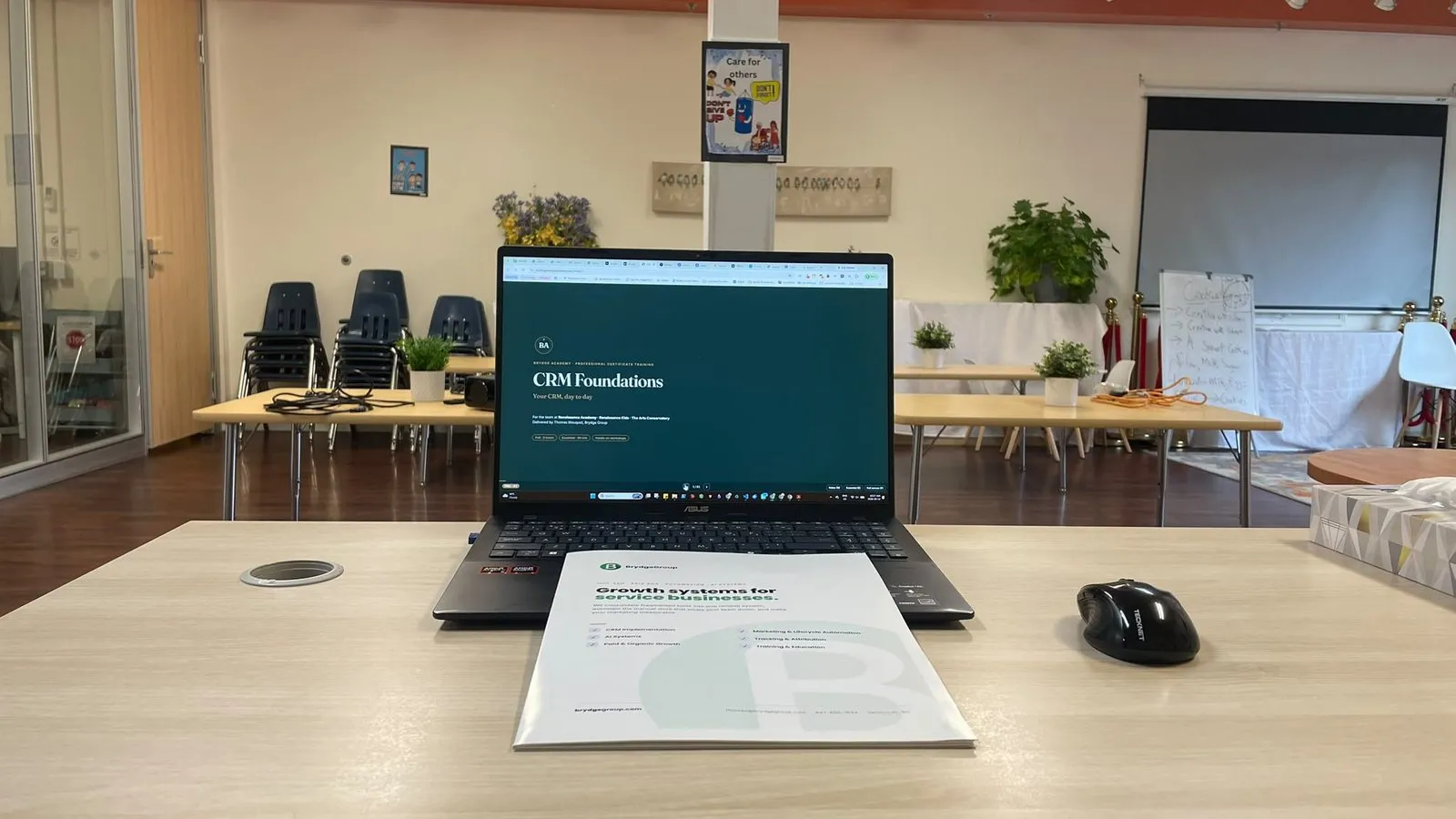
Another group of participants with their certificates of completion A laptop open on the first slide of a Brydge Academy course, beside the printed course workbook
On-site sessions: one seat per computer, a printed workbook for every participant, and a certificate of completion at the end.

The training

What happens in the session

Build Your Own AI Assistant runs 4 hours, in person at your location. Each participant works on their own computer and their own accounts, so the assistant is set up for your business by the end of the session, not for a demo.

  1. Set up the workstation

    VS Code and Claude Code installed on each computer and signed in to your Claude plan, one seat per participant.

  2. Connect your tools

    Each participant connects their own email, calendar and files, then the business tools you use, each with its own sign-in and permissions. What doesn’t fit in the session follows the same method afterwards.

  3. Ask the right questions

    Work through the questions that show where the business loses clients, what brings them back and what to try next, and save them as commands: a weekly review, a monthly plan, follow-ups.

  4. Run it safely

    Approvals before anything is sent or changed, what the assistant may and may not touch, and how to keep it current as the business changes.

You leave with

Claude Code connected to your tools, a set of commands for your routines, the skills to add more, and a certificate of completion, plus 7 days of follow-up assistance after your session.

You stay in control

It asks before it acts

Claude Code asks your permission before it sends, posts or changes anything. You decide which routine jobs, if any, it may do on its own.

Your sign-ins, your permissions

Each tool connects with its own sign-in, read-only wherever reading is enough, and you can disconnect any tool at any time.

Sensitive information stays out

Card numbers stay with your payment provider, and clients’ allergy and patch-test notes stay in your booking app. We agree the rules with you before anything is connected.

It stays yours

The assistant runs on your computers and works inside your own accounts. Brydge Academy keeps no access after the training.

Start with your AI assistant, then go further

See all 16 programs →

Frequently asked questions

Who is this training for?

Salon owners, managers, front-desk staff and stylists who handle their own bookings. It covers running the salon, not hair or nail technique, which fits what the grant funds: training relevant to each participant’s job.

We are a small salon. Can we still book?

Yes. One person can book the program solo, at the salon or wherever suits you; for a team, groups start at five people.

Does it replace our booking software?

No. Claude works alongside it, through the booking app’s connection where it has one, or its export where it doesn’t. Your booking app stays the place clients book.

What if I don’t know what to ask?

That is most people at the start, and it is part of the training. We work through the questions that matter for a business like yours (where clients drop off, what brings them back, what sells, what to try next) and save them as commands, such as a weekly or monthly review you run in one word. Claude also suggests questions you hadn’t thought to ask.

What is Claude Code?

Claude Code is Anthropic’s AI assistant that works on your own computer. You describe what you want in plain English and it uses your files and the tools you have connected to answer or carry it out, asking before it sends or changes anything. We teach your team to set it up, connect it and use it for the business.

Which tools can it connect to?

Most tools that offer a connection: email and calendar (Gmail, Outlook, Google Calendar), Google Drive, CRMs such as GoHighLevel and HubSpot, payments and accounting such as Square, Stripe and QuickBooks, Facebook and Instagram, and your Google Business Profile. If a tool has no connection, Claude works from its export (a spreadsheet you download). We go through your list of tools before the session.

What does it cost to run?

You need a paid Claude plan, billed to you by Anthropic; it is not part of the tuition. A few tools only open their connection on certain plans. We tell you before the session if any of yours do.

Do we need technical skills?

No coding background is needed, but participants should be comfortable on a computer. We set everything up with you on-site, one seat per computer. Each participant needs their own laptop with at least 16 GB of RAM and permission to install software on it.

Can the B.C. Employer Training Grant pay for it?

A B.C. business that has operated for at least a year can apply, including self-employed owners, and the grant reimburses up to 80% of the cost. The employer applies before training starts.


Up to 80% of tuition may be funded


Eligible B.C. employers can recover up to 80% of training costs through the Employer Training Grant. We’ll help you map a program to your team, and to funding.