Most small-business owners know AI matters. Far fewer know where to start without losing weeks to hype, sign-ups and tools nobody uses. Here is the path we teach business teams, in the order we’d do it.
Step 1: Look at the gaps between your tools, not at AI tools
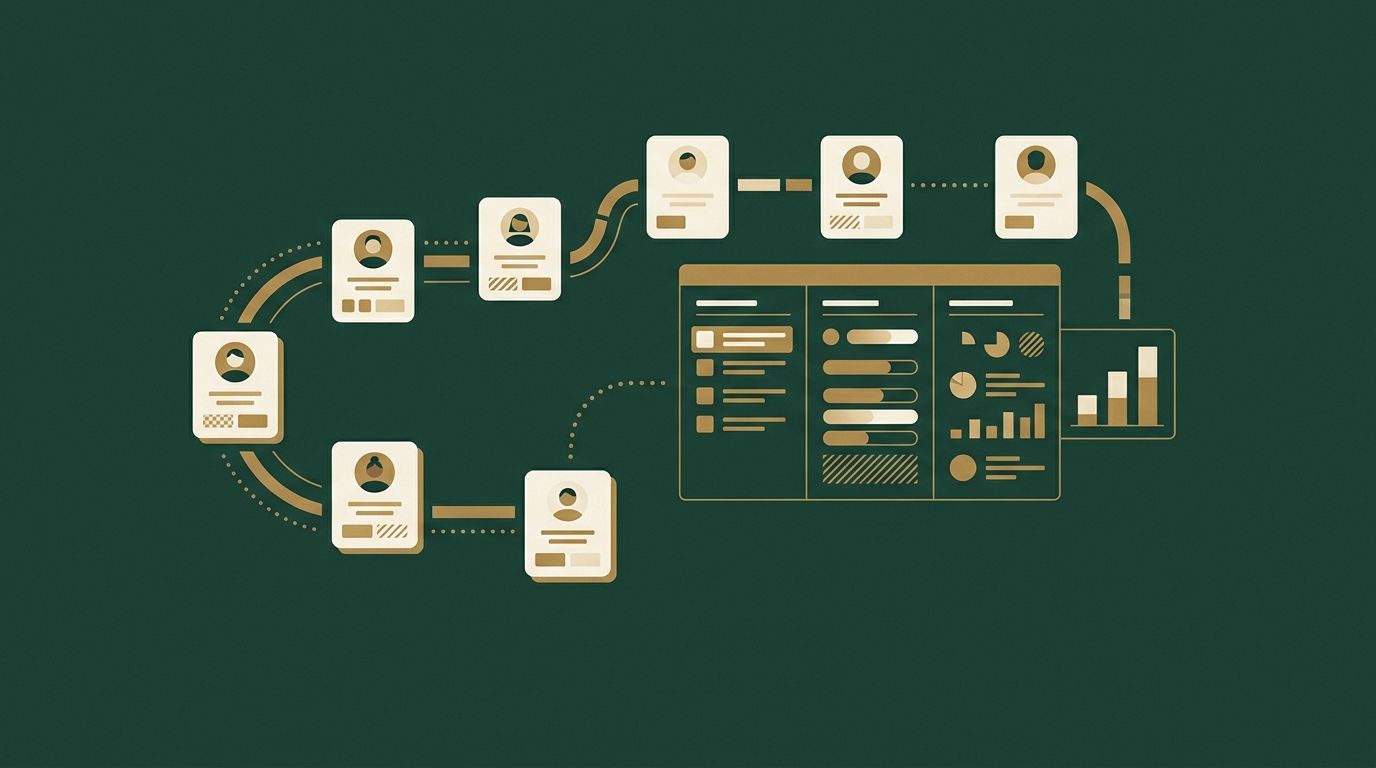
You already run on several tools: a booking app or job software, Instagram and Facebook, an inbox, a payment terminal or accounting file, a Google profile. Each one is good at its own job. The trouble is that none of them can see the others, and that is where money leaks out:
- An enquiry in a DM that nobody answered in time.
- A client who came once and never rebooked.
- A quote that went out and was never followed up.
- A happy customer who was never asked for a review.
- Monthly numbers nobody had time to look at.
Before you pick any AI tool, write down where this happens in your business. That list is your starting point, because it’s where AI pays for itself first.
Step 2: Write down the questions you never have time to answer
The second list is the one most owners skip: the business questions you’d love answered but never have time to dig into.
- Where do we lose people between the first message and the first booking?
- Who used to come regularly and has stopped?
- Which services make the most per hour, and which barely break even?
- Which posts or ads actually brought in clients?
- What should we promote next month?
- What are people asking for that we don’t offer yet?
These questions are the real opportunity. An assistant that can see your booking history, messages and sales can answer them from your own numbers in minutes, then draft the next step: the follow-up messages, the offer, the post.
Step 3: Choose one AI assistant for the team
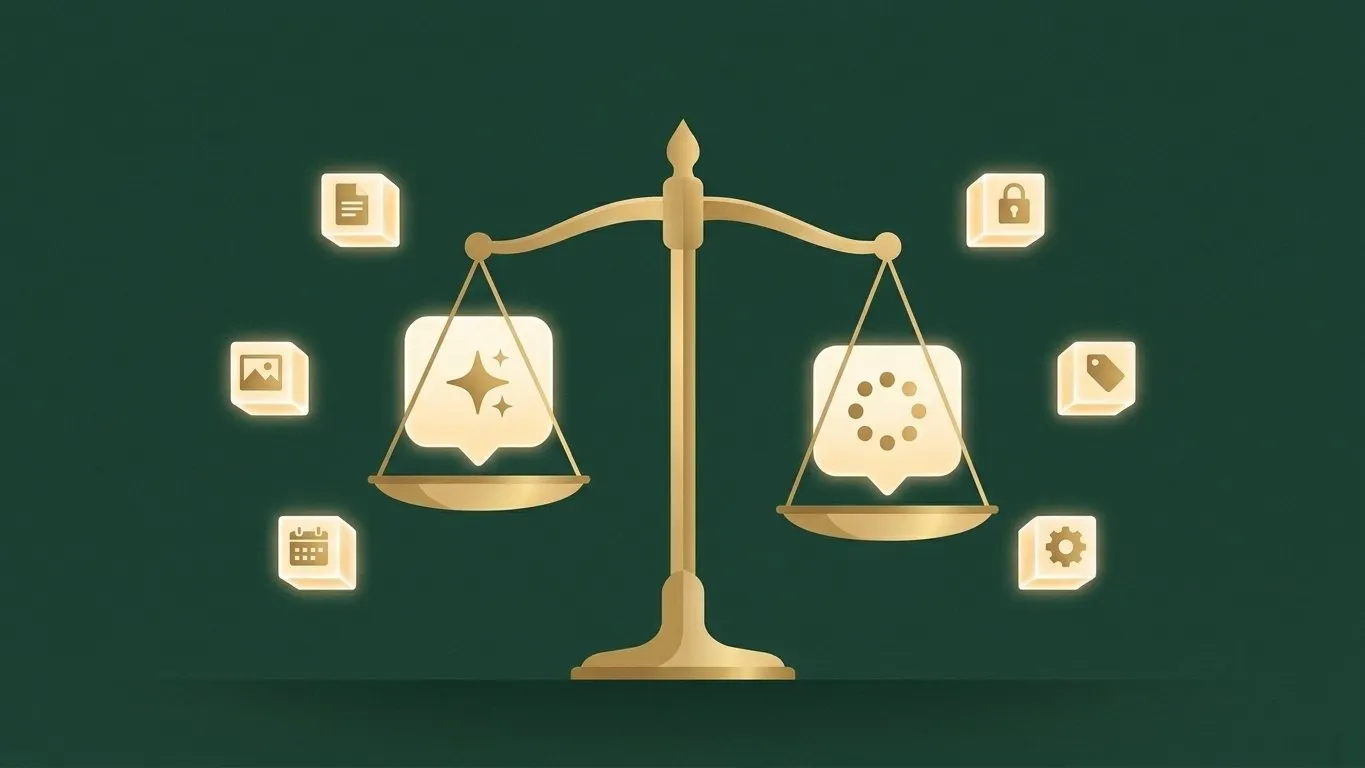
Pick one main assistant so everyone builds the same habits. For most small businesses that means Claude or ChatGPT; we compare them in detail, with Canadian prices, in Claude vs ChatGPT for small business. In short:
- Both have free plans, individual plans around CA$25 to CA$28 a month and team plans around CA$34 to CA$35 a seat (monthly billing).
- If staff will handle client information, use a team plan: both companies say they don’t train on business data by default.
- If you already pay for Google Workspace or Microsoft 365, check what Gemini or Copilot already gives you before adding anything.
Step 4: Connect your tools to it
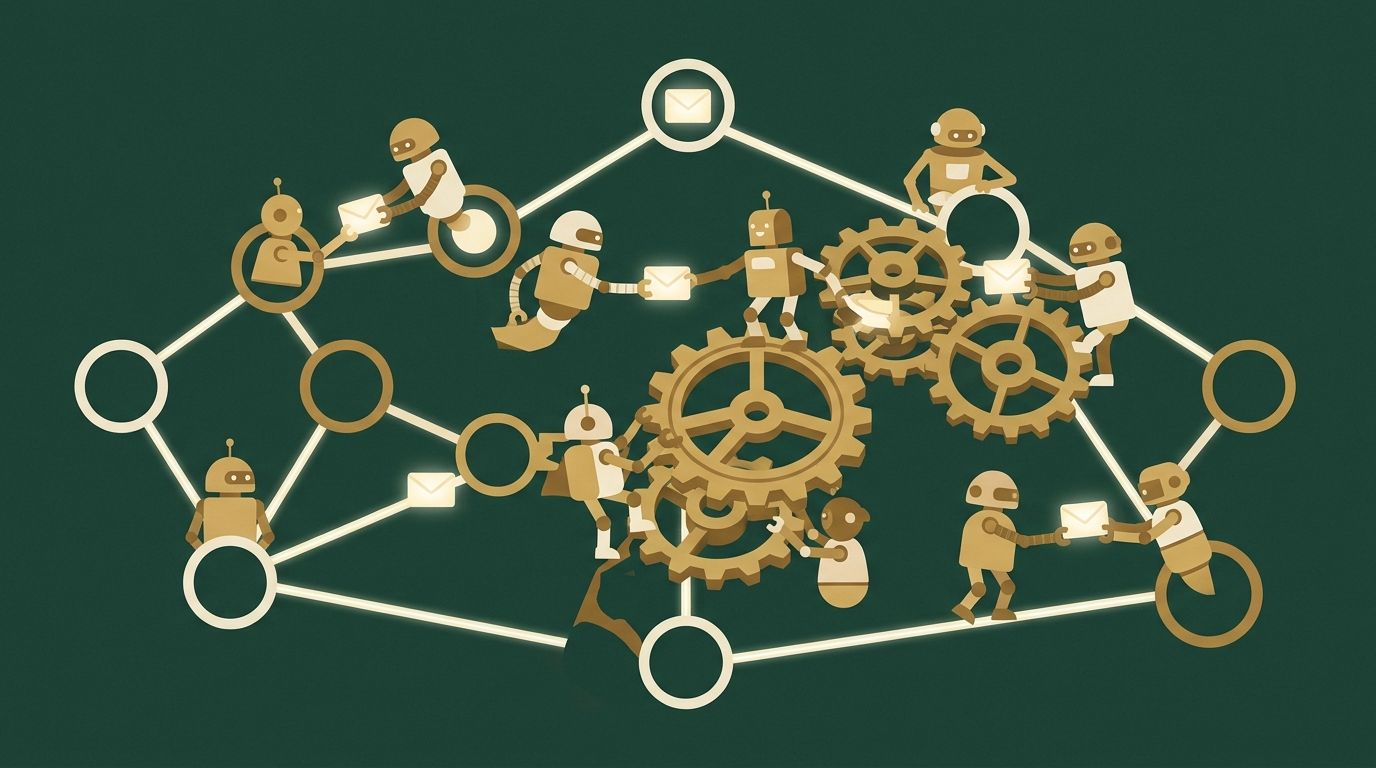
An AI assistant that can only see what you paste into a chat is a writing tool. The step change comes when it’s connected to your real tools: email and calendar, your drive, your CRM, your payments, and the exports from your booking or job software. Then it can follow a client from first message to booking to payment to the next visit, which is what lets it answer the questions in step 2.
Many of these connections take a few minutes to set up. Where a tool has no direct connection, the assistant can work from its export, a spreadsheet you download.
Step 5: Turn your routines into skills and commands
Once the assistant is connected, save the things you do every week so you never explain them twice: your brand voice, how you write a quote, your monthly review, your follow-up messages. In Claude these are called skills; in Claude Code, a skill also becomes a one-word command, such as a Monday summary of bookings, gaps, follow-ups and unpaid invoices.
Three safe first moves
If you want to start this week, these are low-risk and pay off quickly:
- Replies and follow-ups. Let the assistant draft answers to common enquiries, review replies and follow-ups from your own price list and policies. A person approves before anything is sent.
- A monthly review. Export last month’s bookings and sales, and ask the questions from step 2. Act on one answer.
- One promotion. Ask what to promote next month based on your quiet days and best services, and let it draft the post, the email and the text.
The rules that keep you safe
- Treat AI output as a draft, not a decision. Keep a person in the loop for anything that touches a client, money or compliance.
- Keep sensitive data out. Health records, card numbers, passwords and anything you’re not allowed to share stay in the systems built for them.
- Use business plans for client information, and connect each tool with the least access it needs (read-only where reading is enough).
What it costs
A realistic starting budget for a small team is the assistant itself (an individual plan for the owner, or team seats at about CA$27 to CA$35 a month each), plus whatever your existing tools charge for their connections, which is often nothing. The bigger cost is time: the first few weeks of setting things up and learning what to ask. That’s where training pays for itself.
Build the skill in-house
The businesses that get real value from AI are the ones whose own people know how to use it: the owner and the staff closest to the clients, asking better questions every week. That’s the idea behind our programs: hands-on, in-person training at your location, so the capability stays in your business.
Our Build Your Own AI Assistant program does steps 3 to 5 with your team in one session: Claude Code set up on each computer, connected to your tools, with your questions and routines saved as commands. Eligible B.C. employers can apply for the Employer Training Grant, which can reimburse up to 80% of eligible training costs.
Questions
How can AI help a small business? The quickest wins are faster replies and follow-ups, never losing a lead or a client between tools, and answering business questions from your own data: who to bring back, what to promote, what to price higher.
What’s the best AI for a small business? For most, a general assistant such as Claude or ChatGPT on a team plan, connected to the tools you already use. Start with one, not five.
Is AI expensive for a small business? The tools are not: team plans cost about CA$27 to CA$35 per person a month. The investment is the time to set them up and learn to use them well.
Do I need technical skills? No. You need to be comfortable on a computer and willing to describe what you want in plain English.
Not sure where your team should start? Book a session and we’ll map it out with you.